 CREATION PLUS
 How to Choose a Smart Plug: The Ultimate Buying Guide
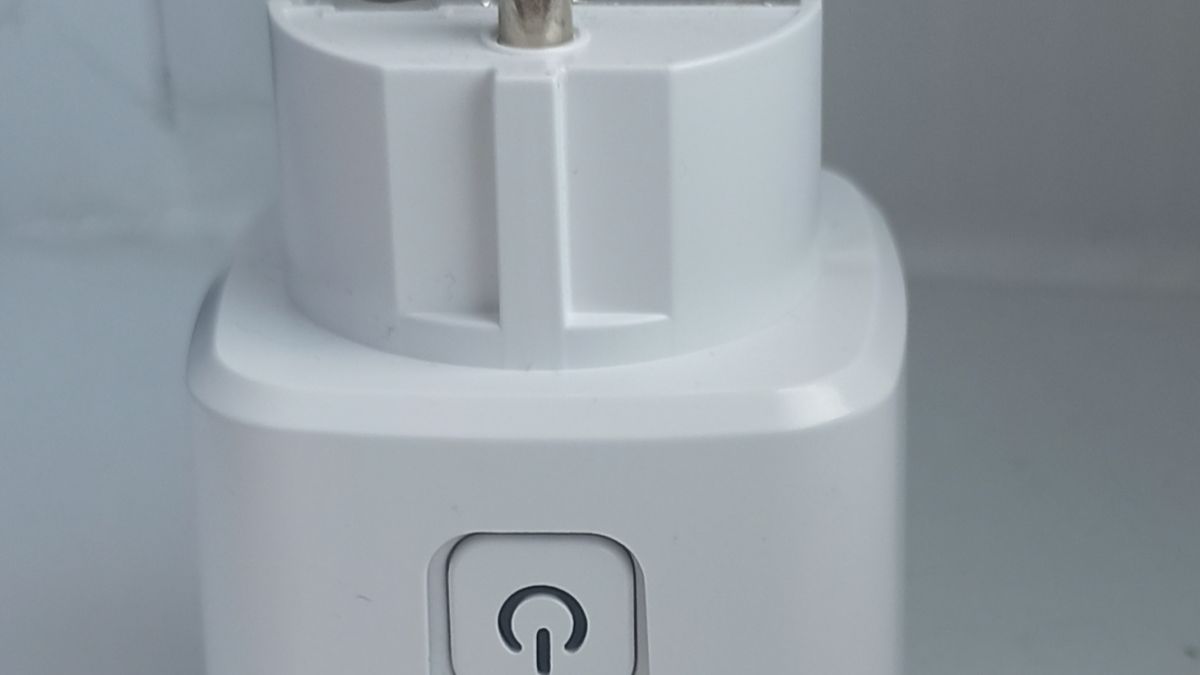
Master how to choose a smart plug for your home by evaluating safety ratings, connectivity protocols, and appliance compatibility.
Understanding How to Choose a Smart Plug for Your Home
Learning how to choose a smart plug can transform basic household electronics into automated conveniences without requiring a full smart home overhaul. With dozens of options flooding the market, picking the right model depends on more than just finding the cheapest price tag. Whether you want to schedule morning coffee makers, monitor energy usage, or control lights with your voice, evaluating technical specs ensures a seamless experience.
Just like evaluating technical specifications when comparing tech gear—such as analyzing performance tradeoffs in a budget gaming laptop versus a Steam Deck—buying a smart plug requires matching hardware capabilities to your daily routine. This guide breaks down electrical ratings, wireless protocols, physical constraints, and safety standards to help you make an informed decision.
Step 1: Perform the Appliance Compatibility Switch Test
One of the most common mistakes buyers make is purchasing a smart plug for an incompatible appliance. Smart plugs do not work with every electronic device in your home. They rely entirely on interrupting and restoring electrical flow at the wall outlet.
Before buying, run a quick pre-purchase switch test on your target appliance:
- Turn the appliance on using its physical control.
- Unplug the appliance directly from the wall while it is still running.
- Plug the appliance back into the wall outlet.
If the appliance immediately resumes running or turns back on, it is compatible with a smart plug. If the appliance remains off and requires you to press a digital button, touch-sensitive pad, or soft-power switch to restart, a smart plug will not work. Smart plugs cannot override electronic soft-touch power states.
Step 2: Evaluate Connectivity Protocols and Ecosystems
Connectivity determines how your plug talks to your phone, voice assistants, and other smart home devices. Understanding the differences between cloud-dependent and local control protocols protects your network performance and privacy.
Modern options generally rely on four primary connection types:
- Matter: The modern universal standard supported by CNET's smart home testing guides, allowing out-of-the-box interoperability across Apple Home, Amazon Alexa, Google Home, and Samsung SmartThings without relying on proprietary apps.
- Wi-Fi: Directly connects to your wireless router. While convenient and budget-friendly, overcrowding your router with too many Wi-Fi plugs can cause network congestion and latency.
- Zigbee and Thread: These mesh protocols rely on a dedicated hub or border router. They offer local control, meaning commands execute locally on your network even if your internet connection drops.
When building a reliable tech ecosystem—much like maintaining the steady utility found in reliable devices covered in our Lenovo IdeaPad Slim 3 review—choosing a stable protocol prevents frequent disconnects and setup frustration.
Step 3: Check Electrical Ratings and Safety Standards
Electricity demands respect, and overloading wall sockets poses serious fire hazards. Most standard smart plugs are rated for 15 amperes (15A), which safely handles lamps, phone chargers, fans, and small kitchen appliances.
However, high-draw appliances require careful inspection of wattage and amperage limits. According to safety insights highlighted by PCMag's smart home gear reviews, experts strongly advise against using standard smart plugs with continuous high-load heating elements like space heaters, portable air conditioners, or heavy shop vacuums unless the plug explicitly features heavy-duty ratings and built-in overload protection.
Always verify the following safety markers before purchase:
- UL Certification: Look for validation from Underwriters Laboratories ensuring the hardware meets rigorous safety standards.
- Flame Retardancy: Check product specifications for UL94-V0 rated plastic enclosures, which minimize the risk of melting or catching fire during electrical faults.
- Overload Protection: Premium models automatically cut power if internal temperatures spike or current draws exceed safe thresholds.
Step 4: Assess Physical Form Factor and Outlet Blocking
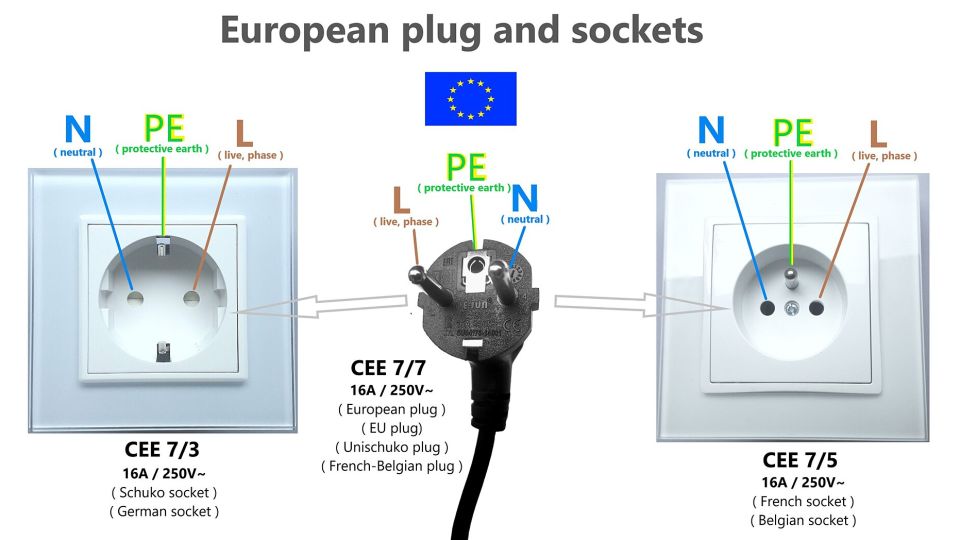
Wall outlet architecture varies wildly between older homes and modern builds. Bulky smart plug designs often block adjacent wall sockets or crowd multi-outlet power strips.
Before purchasing, measure your intended installation space. If you plan to plug two smart devices into a standard duplex wall outlet, look for slim, flat-profile models or side-plug designs. Horizontal configurations ensure that the upper or lower wall socket remains completely unobstructed.
Smart Plug Feature Comparison
| Protocol Type | Hub Required? | Network Impact | Ecosystem Versatility |
|---|---|---|---|
| Wi-Fi | No | Higher (Router load) | Varies by brand app |
| Matter over Wi-Fi | No | Higher (Router load) | Universal (Apple, Alexa, Google) |
| Zigbee / Thread | Yes (Hub / Border Router) | Low (Local mesh) | High (Dependent on hub) |
Common Smart Plug Mistakes to Avoid
Avoiding common pitfalls saves you from returning incompatible hardware or dealing with constant software drops.

- Ignoring Amperage Limits: Plugging high-draw appliances into standard low-capacity plugs can melt internal components.
- Overlooking App Reliability: Research user feedback regarding companion app stability; clunky software or inaccurate on/off status reporting creates daily annoyance.
- Neglecting Outdoor Ratings: Never use indoor-rated smart plugs on patios or outdoor holiday lights. Always purchase dedicated IP-rated outdoor smart plugs designed to withstand moisture and weather changes.
Conclusion
Mastering how to choose a smart plug comes down to matching your appliances with safe, certified hardware and the right connectivity protocol. By running the pre-purchase switch test, verifying electrical limits, and prioritizing Matter-certified or local control protocols, you can build a reliable automated home. For more guidance on selecting everyday consumer tech and balancing features with real-world value, explore our other buying guides.
Frequently asked questions
Can you use smart plugs with space heaters and air conditioners?
Experts strongly warn against using standard smart plugs with high-draw heating or cooling appliances due to extreme fire risks. Always check maximum amperage and wattage limits before connecting heavy electrical loads.
Do smart plugs work with Apple HomeKit without a dedicated hub?
Smart plugs featuring native HomeKit or Matter support can integrate with Apple ecosystems, but remote access and automations require an Apple home hub like an Apple TV or HomePod.
What is the difference between Wi-Fi and Matter smart plugs?
Wi-Fi smart plugs connect directly to your wireless router and often rely on manufacturer apps. Matter is a universal communication protocol that lets plugs work seamlessly across Apple, Google, Alexa, and SmartThings platforms simultaneously.
Why is my appliance not turning on with a smart plug?
Your appliance likely features an electronic 'soft-touch' power button rather than a physical toggle switch. Smart plugs only control devices that retain their 'on' state when power is restored.