 CREATION PLUS
Smart Plug vs Mechanical Timer: Which Is Best for Your Home?

How we researched this: This is a research-based guide: we compare manufacturer specs, independent lab tests and verified owner reviews, and link our sources in the text. We did not test this product hands-on unless the article says so. How we review.

Deciding between a smart plug and a classic mechanical timer? Learn how they compare on reliability, power outages, sunset automation, and real-world costs.
When deciding between a smart plug vs mechanical timer, the best choice comes down to whether you want hands-off automation or simple, app-free reliability. A mechanical timer uses a physical rotating dial with push pins to cycle power at set intervals, making it completely independent of your home network. A smart plug connects to your local Wi-Fi or a dedicated bridge, giving you smartphone controls, voice assistant access, and dynamic scheduling based on real-time sunset data. Today, both options sell at comparable price points, so your decision depends on where and how you plan to use them.
Smart Plug vs Mechanical Timer: Quick Comparison
While mechanical timers were once the far cheaper choice, modern manufacturing has closed the pricing gap. An entry-level smart plug like the Amazon Smart Plug retails for around $24.99, and direct Wi-Fi alternatives from brands like TP-Link Kasa and Meross often cost even less. The table below outlines how these two devices compare across critical functional categories:
| Feature | Mechanical Timer | Wi-Fi Smart Plug |
|---|---|---|
| Initial Setup | Instant; rotate dial and toggle pins | Requires smartphone app and Wi-Fi pairing |
| Network Dependence | Zero (operates completely offline) | Requires local network (some need cloud access) |
| Sunset/Sunrise Tracking | No (requires manual adjustment) | Yes (automated astronomical tracking) |
| Power Outage Recovery | Loses sync; remains offset indefinitely | Auto-synchronizes time via network |
| Low-Wattage LED Support | Often requires minimum wattage load | Compatible with all standard loads |
| Vacation Randomization | No (strictly fixed cycles) | Yes (randomized 15–30 minute buffers) |
| Hardware Bridges | Never needed | Sometimes required (e.g., Lutron, Ring) |
Key Differences That Impact Daily Use
1. Astronomical Scheduling vs. Static Pin Dials
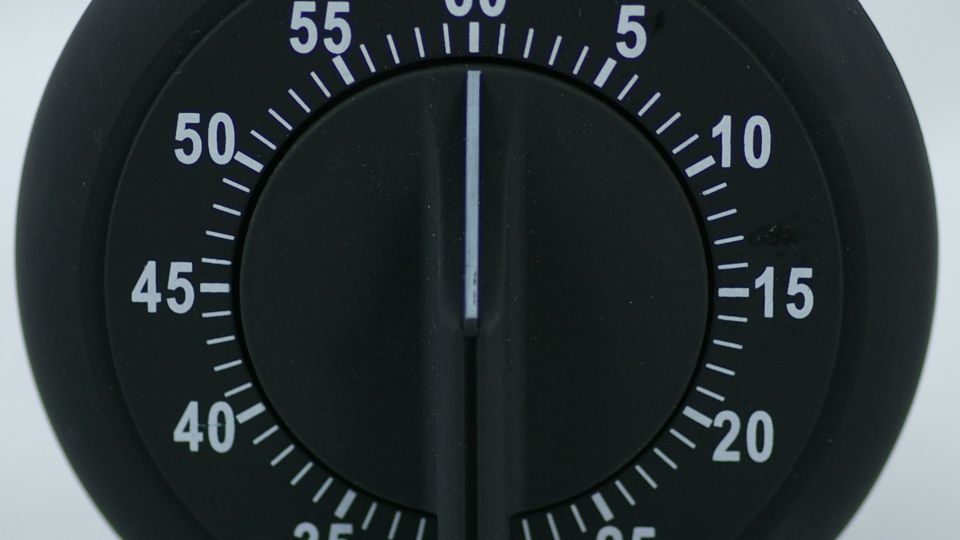
Mechanical timers run on a fixed 24-hour cycle. If you set your outdoor lights or living room lamp to turn on at 5:00 PM, they will turn on at 5:00 PM every day until you manually turn the dial again. This creates a hassle as seasons change. According to testing by Consumer Reports, sunset shifts by 73 minutes between early November and late December in Yonkers, New York. A mechanical timer will leave your lights running in broad daylight or turn on long after dusk unless adjusted weekly. In contrast, smart plugs use geographic coordinates to track local sunset and sunrise automatically throughout the year.
2. Failure Modes: What Happens During a Power Outage?
Power interruptions expose a fundamental difference between these two technologies. A mechanical timer relies on an internal motor driven directly by household current. When the power cuts out, the dial stops spinning. Once electricity returns, the timer resumes spinning, but its internal schedule is now delayed by the exact length of the blackout. If your neighborhood loses power for three hours overnight, your lights will turn on three hours late every subsequent day until you notice and turn the wheel. As noted by the electrical experts at Bees Lighting, smart switches and connected plugs resolve this problem because they automatically re-synchronize their internal clocks with network time servers the moment your Wi-Fi reconnects.
3. LED Compatibility and Minimum Electrical Loads
Older or basic mechanical timers often feature internal switching mechanisms designed around incandescent lighting. These mechanisms require a minimum electrical wattage draw to operate properly. If you plug in a modern, ultra-efficient LED bulb that pulls only 5 to 9 watts, an older mechanical timer may flicker, buzz, or fail to switch off entirely. When buying a mechanical unit, always check the packaging for a label reading “LED Compatible” or “No Minimum Load.” Smart plugs utilize solid-state electronics or modern internal relays, making them naturally compatible with low-draw LEDs without minimum load restrictions.
4. Security and Away Modes
Both devices help deter burglars by making an empty house look occupied, but they do so with different levels of effectiveness. A mechanical timer cycles power at the exact same minute every evening. Savvy observers can quickly recognize that a living room lamp turning on at precisely 6:15 PM every day is running on a timer. Most smart plug companion apps include a dedicated “Away” or “Vacation” mode. This feature introduces a randomized 15-to-30-minute variance to your schedule, turning fixtures on and off at slightly irregular intervals to realistically mimic human presence.
The Connectivity Catch: Standalone Wi-Fi vs. Proprietary Bridges
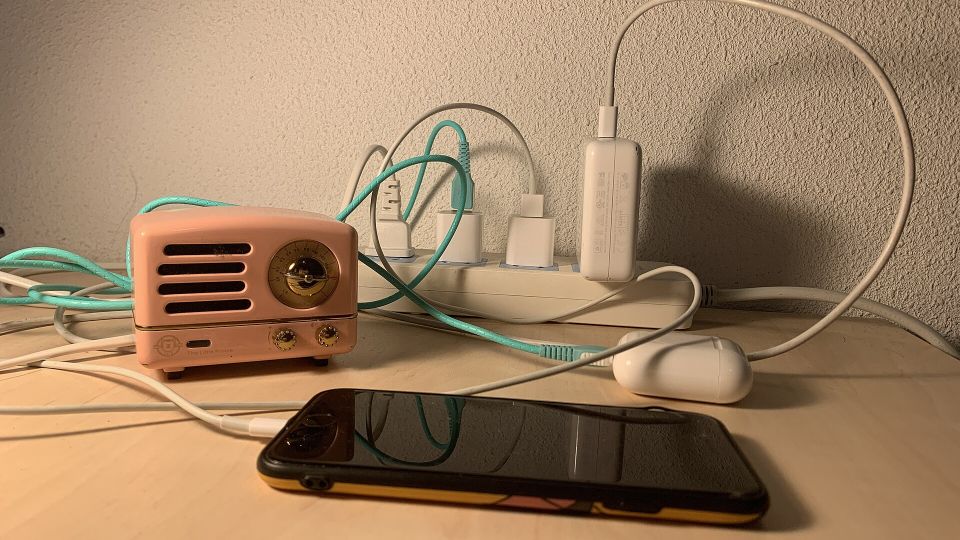
One major area of confusion for everyday buyers is how smart plugs talk to your home network. Many mainstream smart plugs connect directly to your 2.4 GHz home Wi-Fi network right out of the box, including models from Amazon, TP-Link Kasa, Feit Electric, GE Cync, Leviton, and Meross. These require no extra hardware beyond your smartphone.
However, other smart plugs rely on proprietary wireless protocols (such as Clear Connect or Z-Wave) and require a dedicated hardware bridge plugged into your router. For example, setting up a smart plug from Lutron requires their proprietary bridge (around $80), while Ring smart lighting plugs mandate an external Ring bridge (around $50, or sold in starter bundles). If you only want to control a single bedside lamp, buying into a bridged ecosystem creates unnecessary expense and setup friction. For single-room use, direct-to-Wi-Fi models provide the simplest path forward.
The Appliance Switch Trap (Applies to Both)
Whether you buy a $7 dial timer or a $25 smart plug, neither device can physically turn on an appliance that uses an electronic momentary push-button. As detailed in the CNBC guide to smart plugs, the connected appliance must have a physical, mechanical on/off toggle switch. If your space heater, air conditioner, or drip coffee maker requires you to press a soft-touch digital button after it is plugged in, cutting and restoring power at the wall outlet will only leave the appliance in “standby” mode.
Common Mistakes When Choosing an Outlet Controller
- Ignoring app fatigue: Buying a budget smart plug from an obscure brand often means installing an unvetted app, creating an account, and navigating clunky software just to run a single holiday display.
- Overlooking physical clearance: Bulky mechanical dial timers frequently block both wall sockets on a standard duplex outlet. Compact smart plugs usually leave the secondary outlet accessible.
- Expecting smart plugs to work on 5 GHz-only Wi-Fi: Nearly all Wi-Fi smart plugs require a standard 2.4 GHz network band during initial pairing. If your router uses combined network names without band steering, setup can stall.
- Using indoor units outside: Never use standard indoor mechanical timers or indoor smart plugs for exterior holiday lights. Both styles require specialized outdoor enclosures rated for moisture and freezing temperatures.
Which One Should You Choose?
Pick a mechanical timer if:
- You want an offline, plug-and-play solution that never requires an app, account, or software update.
- You are automating basic appliances on a fixed, unvarying schedule (such as an indoor plant grow light).
- You do not have a home Wi-Fi network or prefer not to connect smart home hardware to it.
Pick a smart plug if:
- You want outdoor lights or lamps to sync automatically with local sunset and sunrise times.
- You travel frequently and want randomized vacation schedules to simulate an occupied home.
- You want the convenience of voice commands, smartphone remote control, and countdown shutoff timers.
- You live in an area prone to brief power outages and want your schedules to maintain accurate time automatically.
If you have decided that wireless control and dynamic scheduling fit your routine best, read our complete guide on how to choose a smart plug to identify the right connectivity standards, amperage ratings, and form factors for your home.
Frequently asked questions
Can I use an older mechanical timer with low-wattage LED bulbs?
Only if the mechanical timer is explicitly rated for LEDs or specifies 'no minimum load.' Older mechanical switches often require a minimum electrical wattage to function properly, which ultra-low-draw LED bulbs may fail to trigger.
Do all smart plugs require an expensive smart home bridge or hub?
No. Many popular smart plugs from brands like TP-Link Kasa, Meross, and Amazon connect directly to your home Wi-Fi. However, specialized systems from brands like Lutron or Ring do require proprietary bridges costing $50 to $80.
What happens to a mechanical timer after a brief power blackout?
Because mechanical timers rely on an electrically powered motor to spin their dials, they stop completely during an outage. When power returns, the timer's schedule will be offset by the exact duration of the blackout until you manually reset the dial.
Can a smart plug or mechanical timer turn on my coffee maker or space heater?
Only if the appliance has a physical mechanical toggle switch that remains in the 'on' position. If the appliance uses an electronic push-button or digital control panel, restoring power will simply place it into standby mode.


